
Insights from Scorpion Technology
Scorpion-admin
Plain English security tips, IT news, and practical advice for Houston businesses with 5 to 50 employees.
-
Outlook Productivity Tip #8
Outlook Productivity Tip #8 Get to know your meeting attendees better with Tip 7: Meeting Insights. Enable the ‘Insights’ add-in to gather contextual…
-
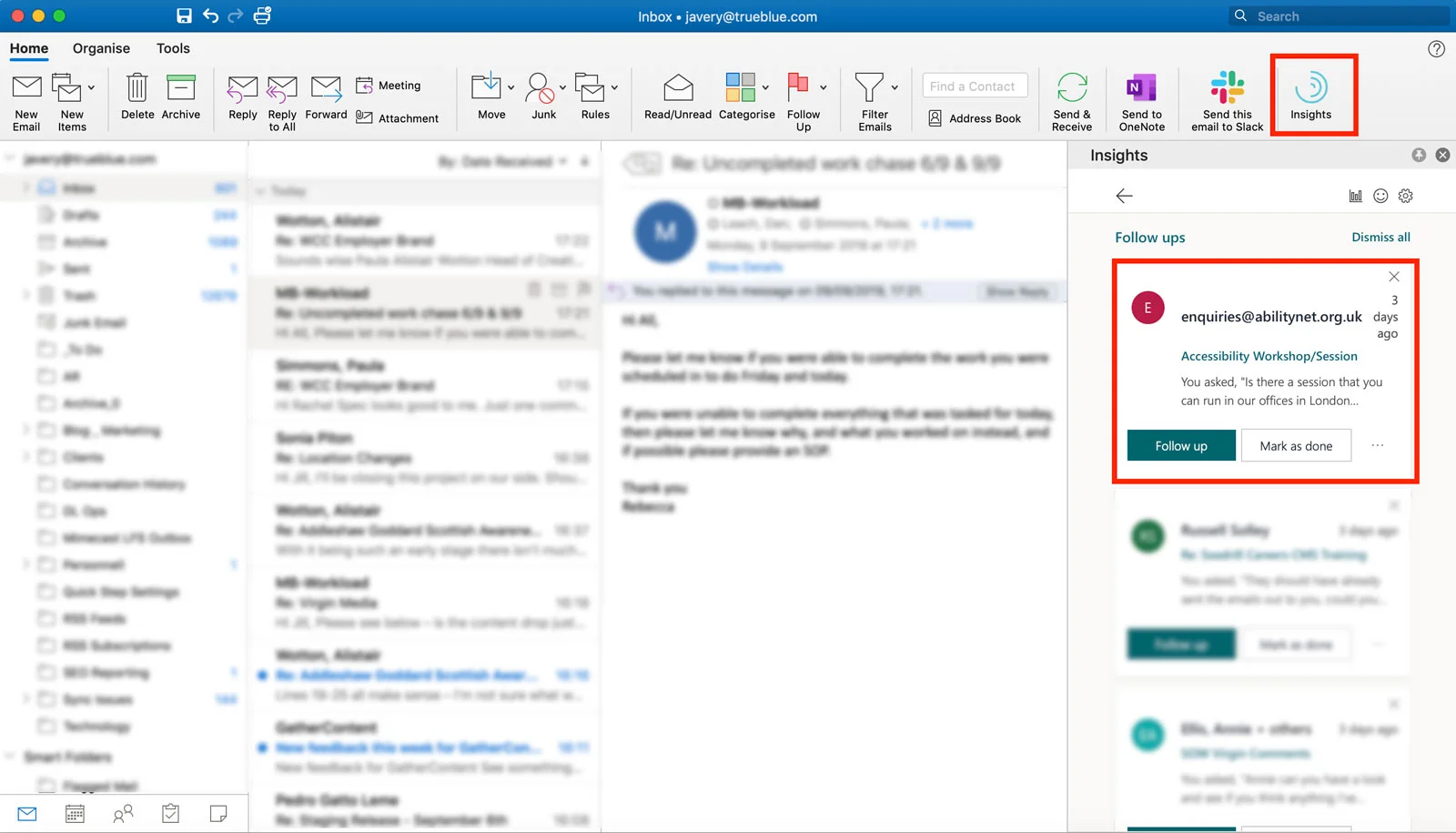
Outlook Productivity Tip #7
Outlook Productivity Tip #7 Get to know your meeting attendees better with Tip 7: Meeting Insights. Enable the ‘Insights’ add-in to gather contextual…
-
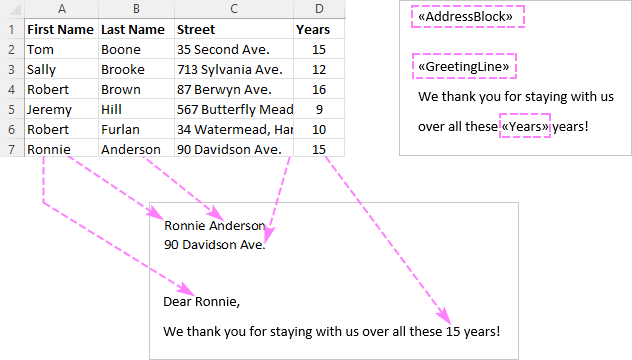
Outook Productivity Tip #6
Outook Productivity Tip #6 Tip 6 is a game-changer for mass communication. Use Mail Merge with Word to personalize and send bulk emails effortlessly.
-
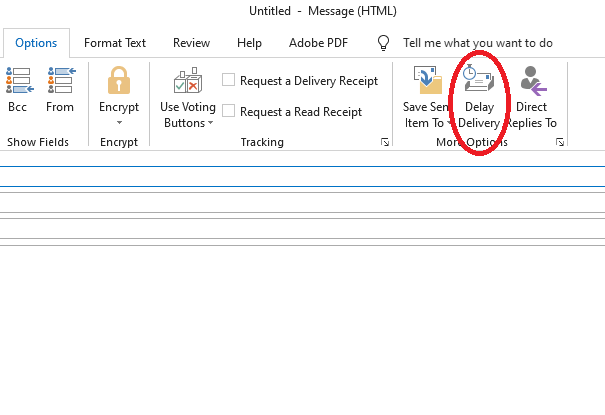
Outook Productivity Tip #5
Outook Productivity Tip #5 Ever wished you could schedule emails? Well, you can! Tip 5 introduces Delay Delivery. Write your email, click ‘Delay Delivery…
-
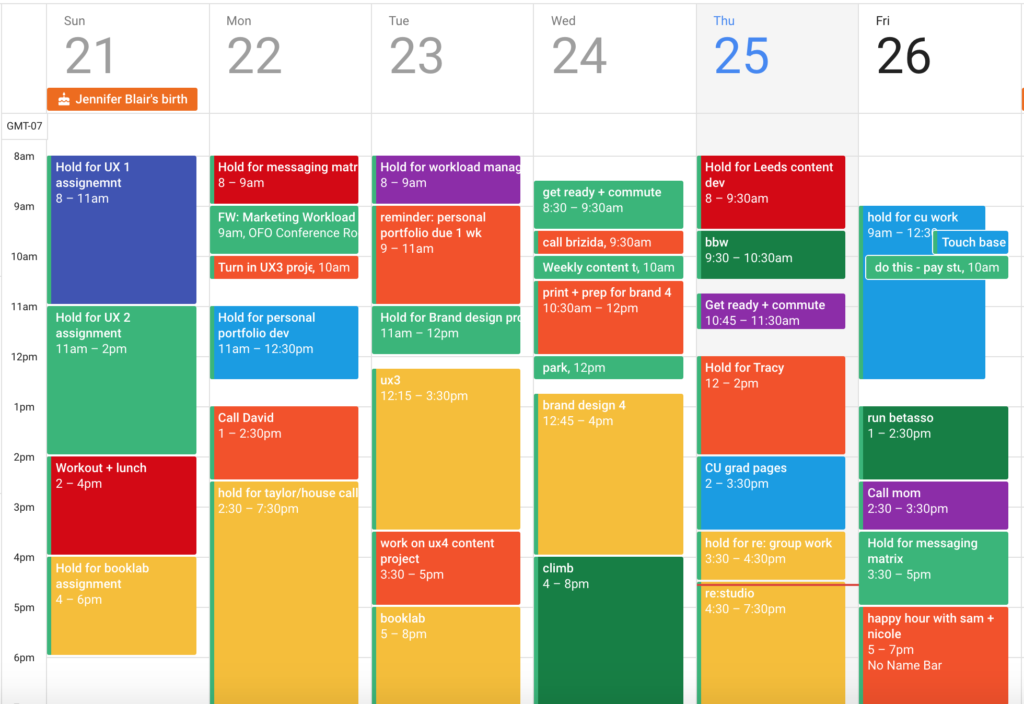
Boosting your Outlook Productivity: Tip #4
Outook Productivity Tip #4 Organize your inbox visually with Tip 4: Categories and Colors. Assign color-coded categories to emails for easy identification and…
-
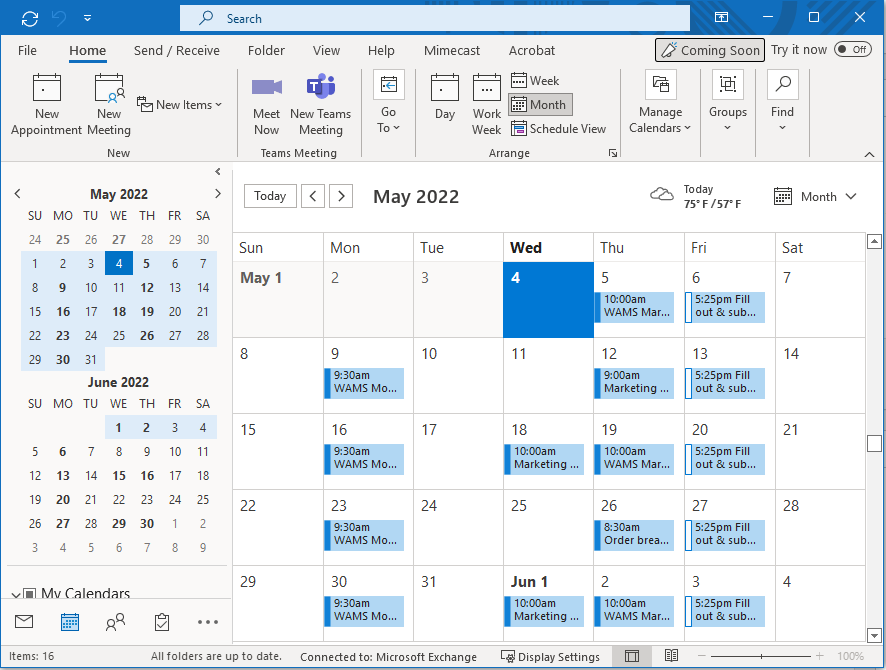
Boosting your Outlook Productivity: Tip #3
Outook Productivity Tip #3 Now, let’s talk about your calendar. Use shortcuts like ‘New Teams Meeting’ or ‘New Skype Meeting’ when creating events.
-
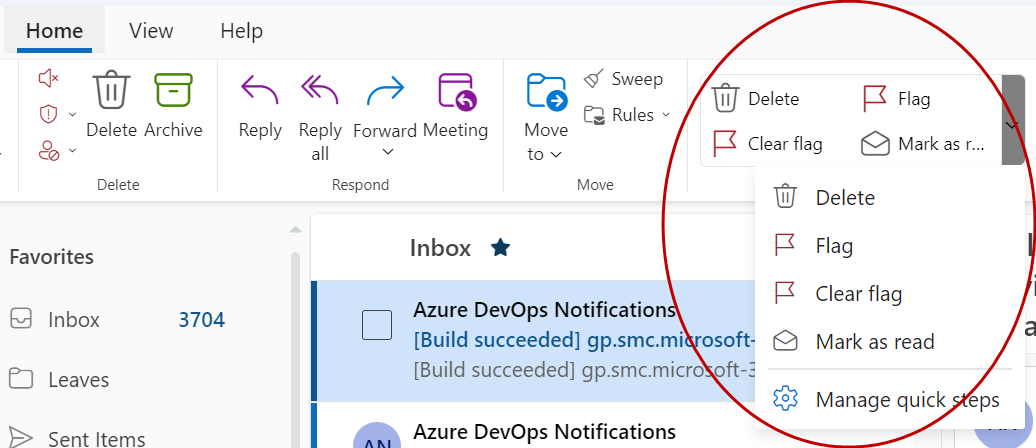
Boosting your Outlook Productivity: Tip #2
Outlook Tip #2, Quick Steps Next up, we have Quick Steps, your shortcut to efficiency. Create custom Quick Steps for repetitive tasks. Whether it’
-
Boosting Your Outlook Productivity with 10 Essential Tips
Mastering Outlook: Boosting Your Productivity with 10 Essential Tips Hello everyone, and welcome to today’s session on mastering Microsoft Outlook!
Not sure where your IT stands?
Grab 30 minutes with our team. We’ll talk through what’s working, what’s not, and where the gaps are. No pitch deck, no pressure.
Prefer the phone? Call 713-623-1266
Got a link that feels off?
Run it through our phishing URL check before anyone on your team clicks.